Container Management
Tier0 uses Portainer to manage containers, making it easy to deploy, manage, and scale applications.
info
In this guide, simple operations that relate to general container management are introduced. For detailed Portainer usage, see Portainer Documentation.
Accessing Container Management
- Log in to Tier0, and then select Dev Tools > Containers.
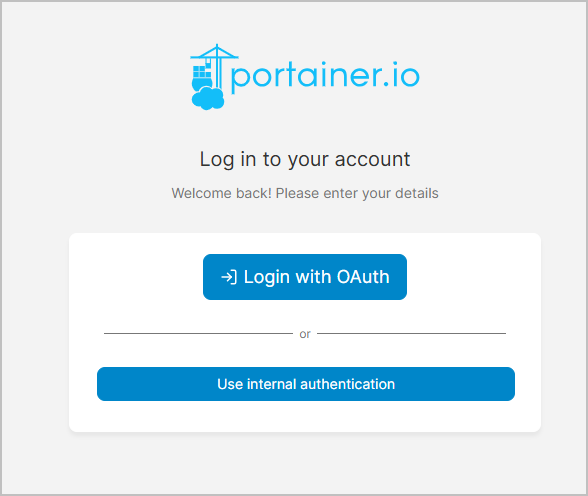
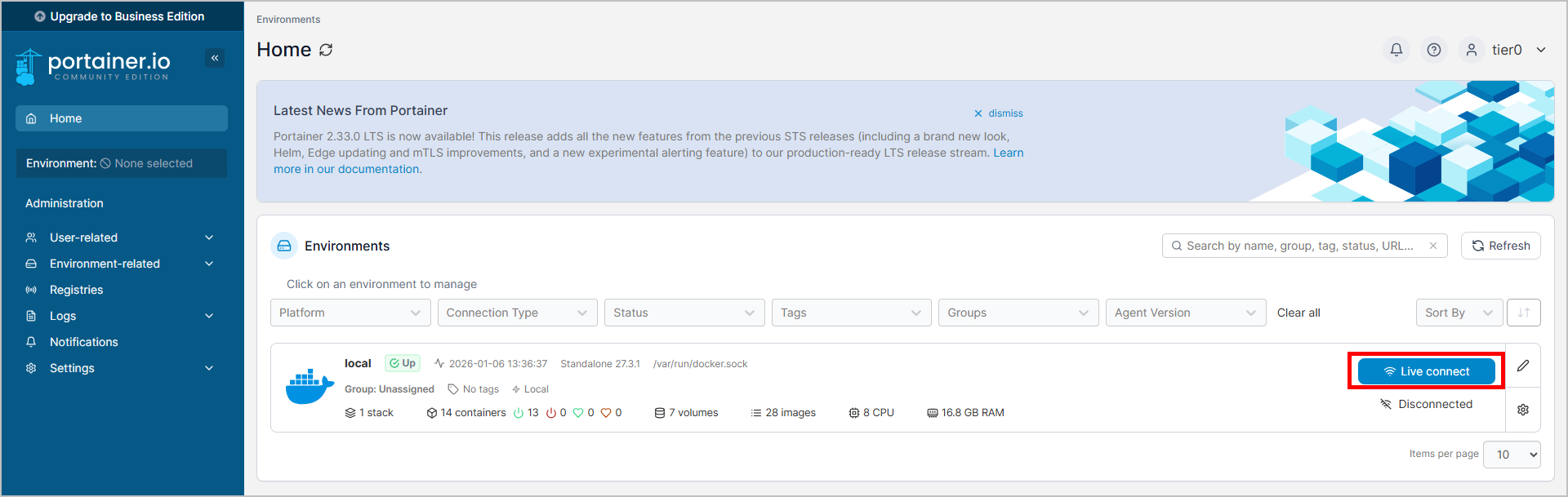
- Click Login with OAuth, and then click Live connect to start managing containers.
General Operations on Containers
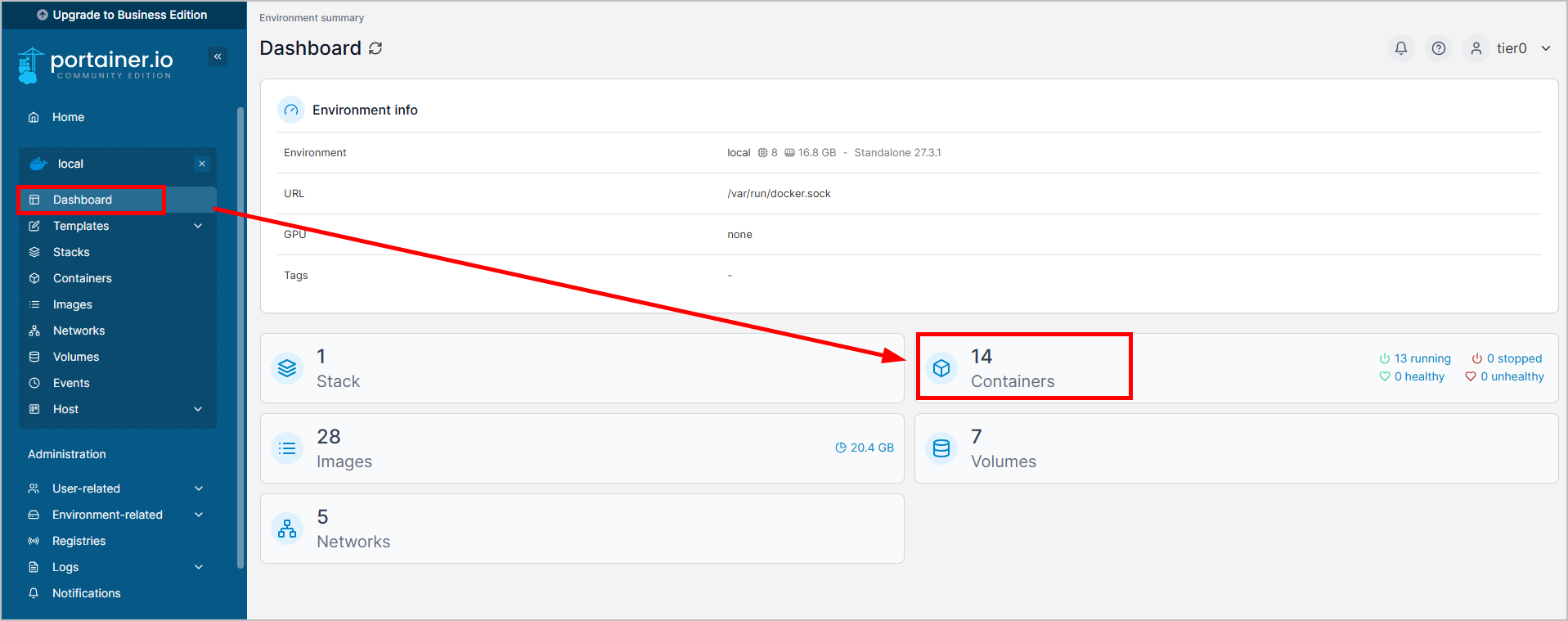
- On the dashboard, click Containers.
- Select a container, and then you can start, stop, restart, pause, or remove the container.
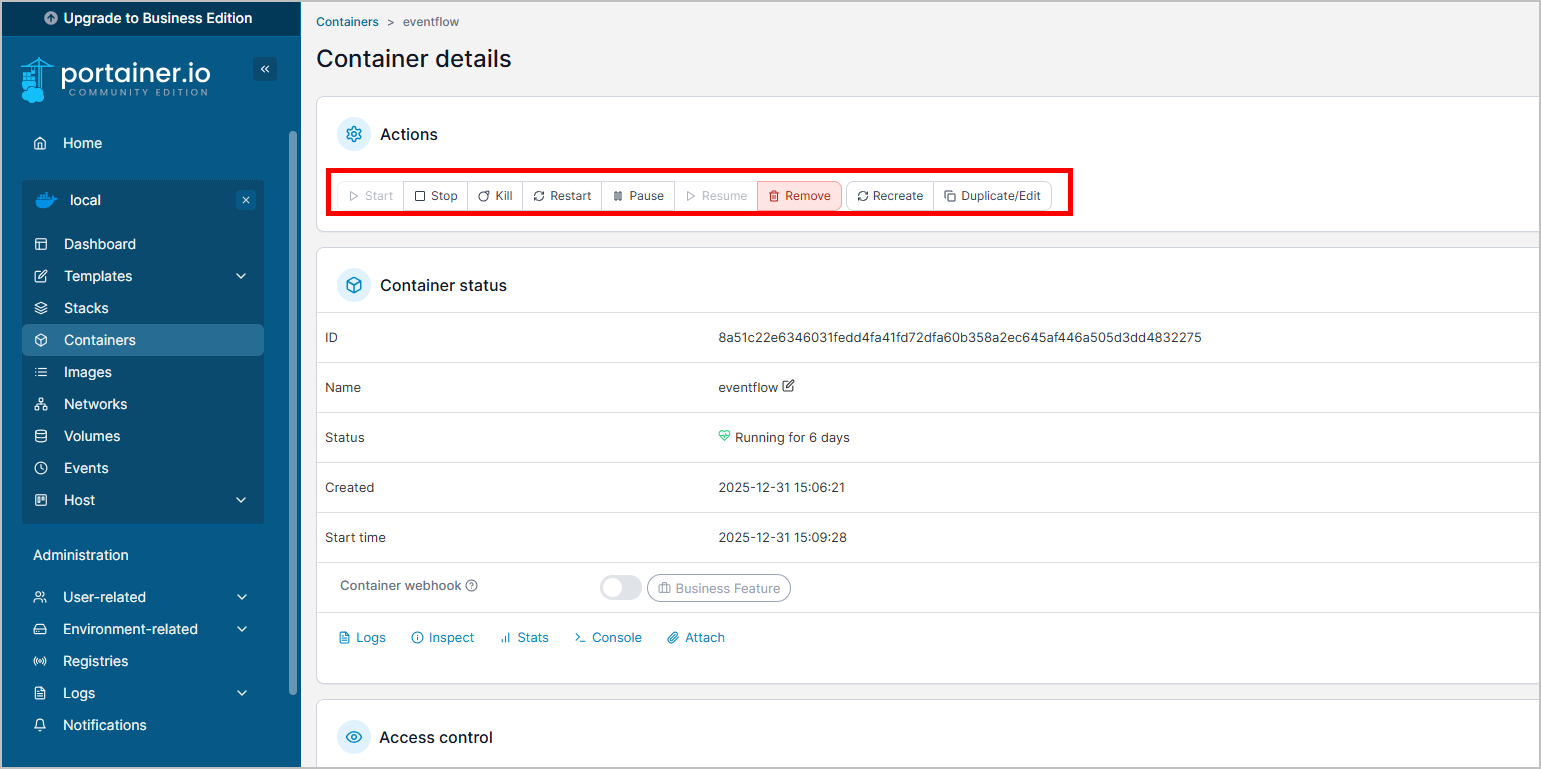
- (Optional) Click Console to access the container terminal for more complex operations.
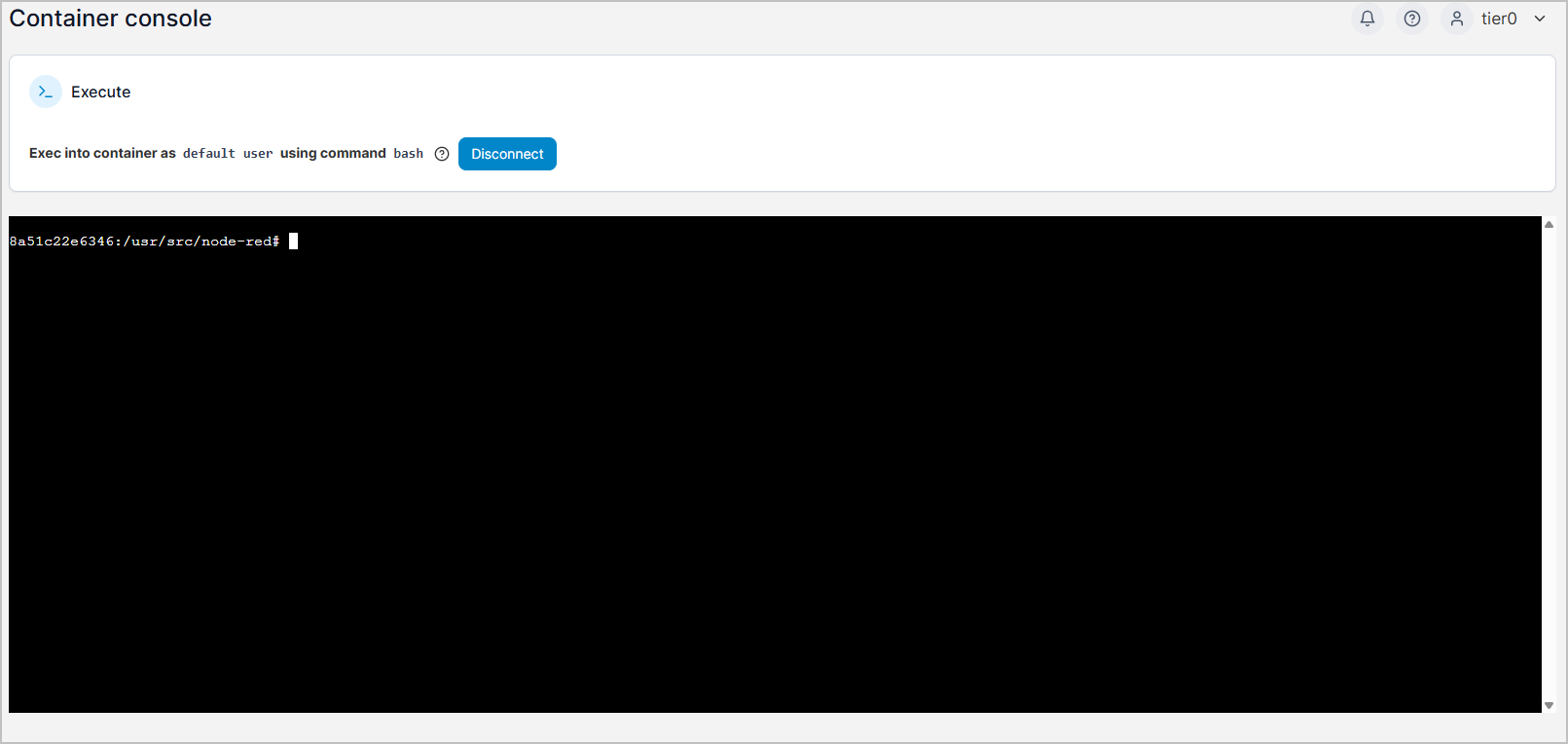
Accessing Database on Container
- On the dashboard, click Containers.
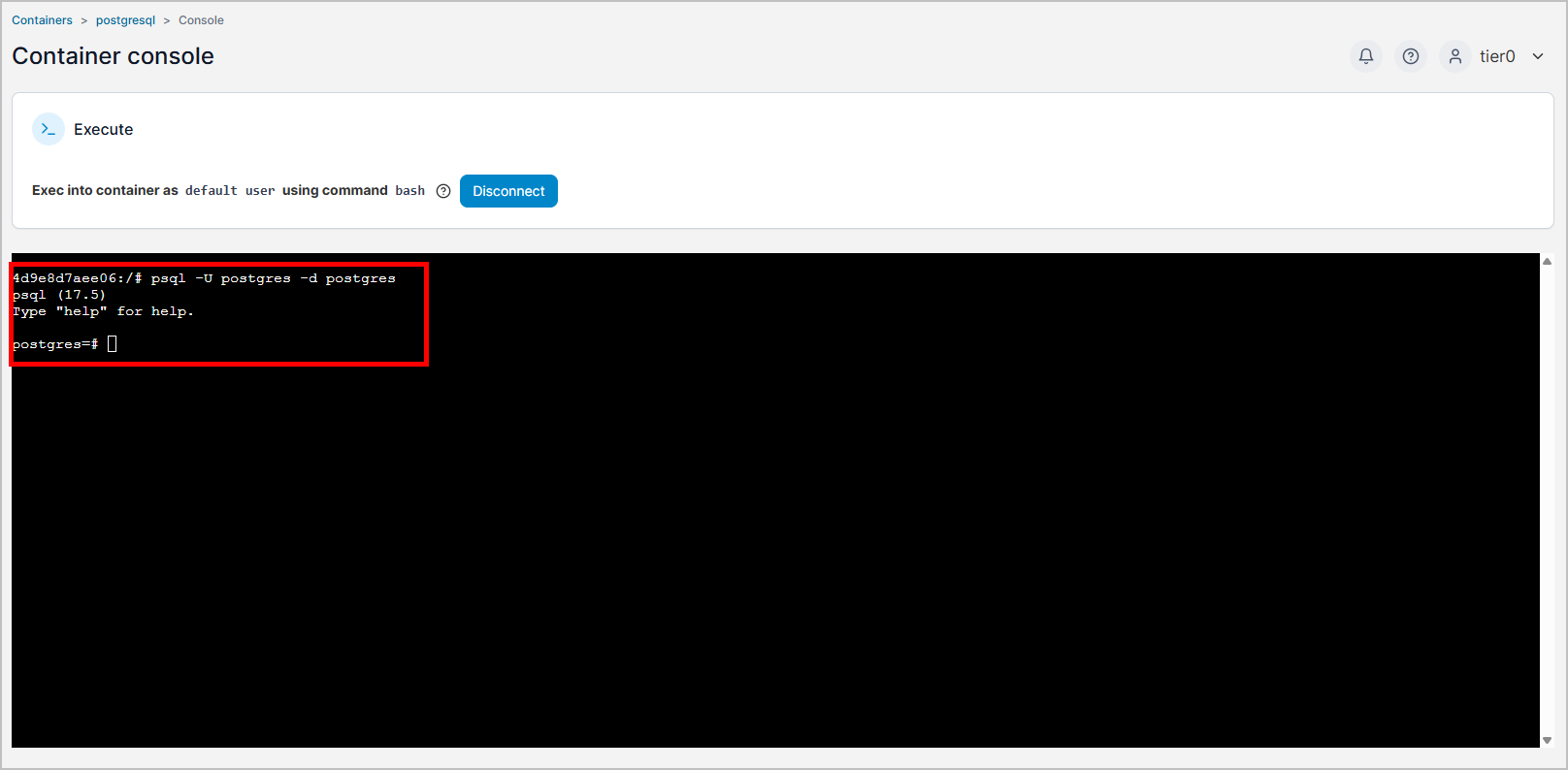
- On page 2, select postgresql, and then click Console.
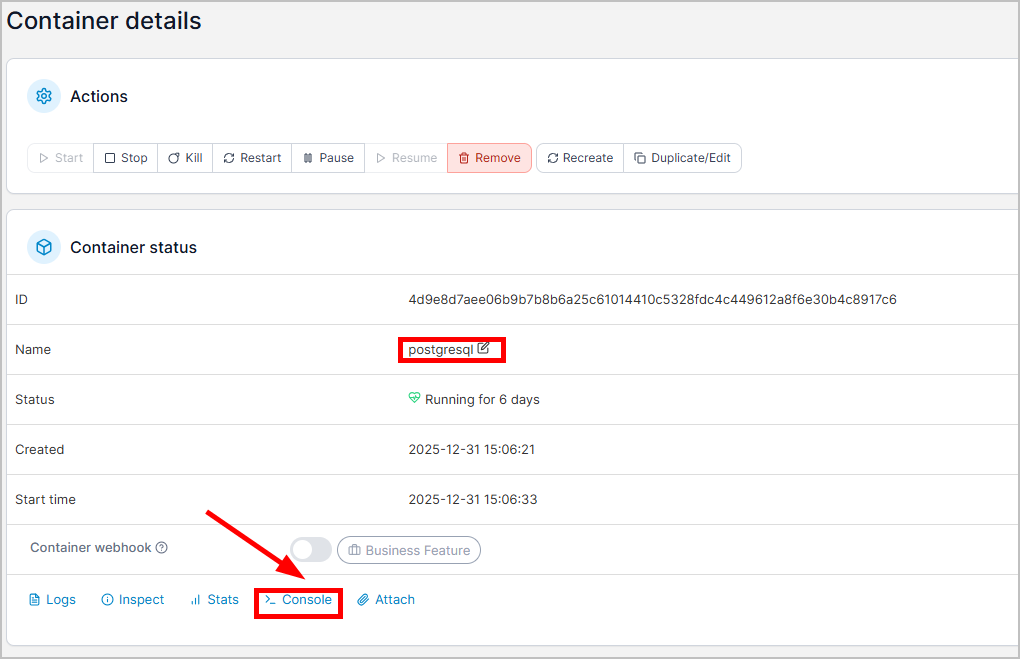
- Click Connect, and then use the following command to access the database.
psql -U postgres -d postgres